Context
Mobile Flows brief
Start with a clear brief and the source material this Mobile Flows workflow needs.
Arrange complete mobile journeys, compare interaction states, and review the flow in realistic device frames before handoff.
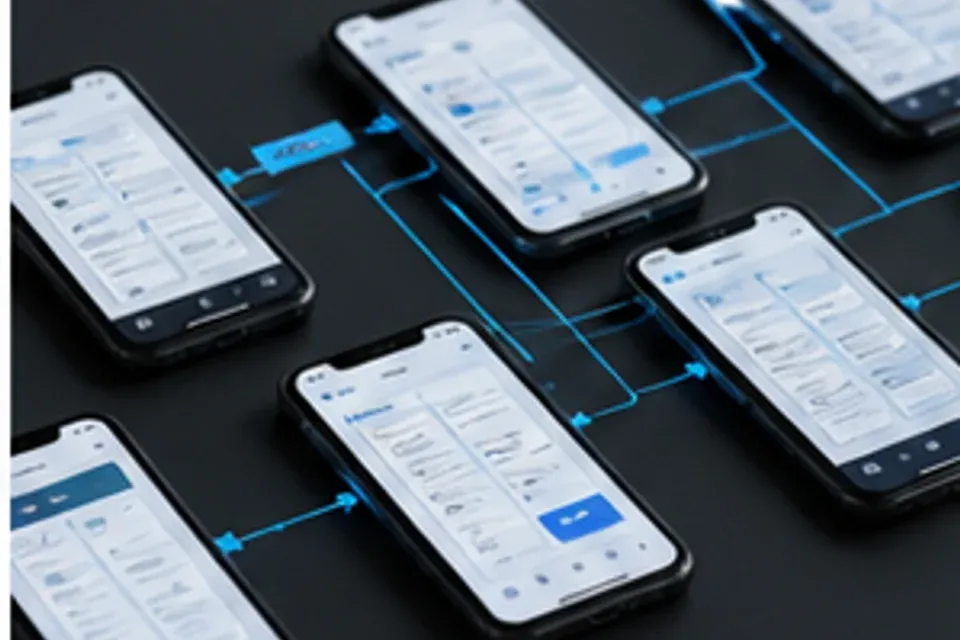
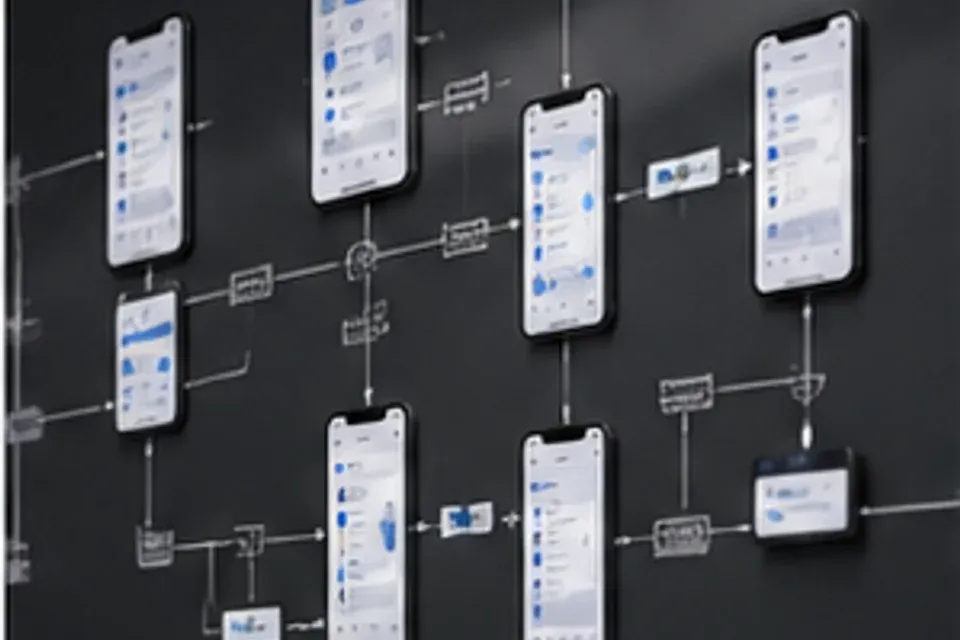
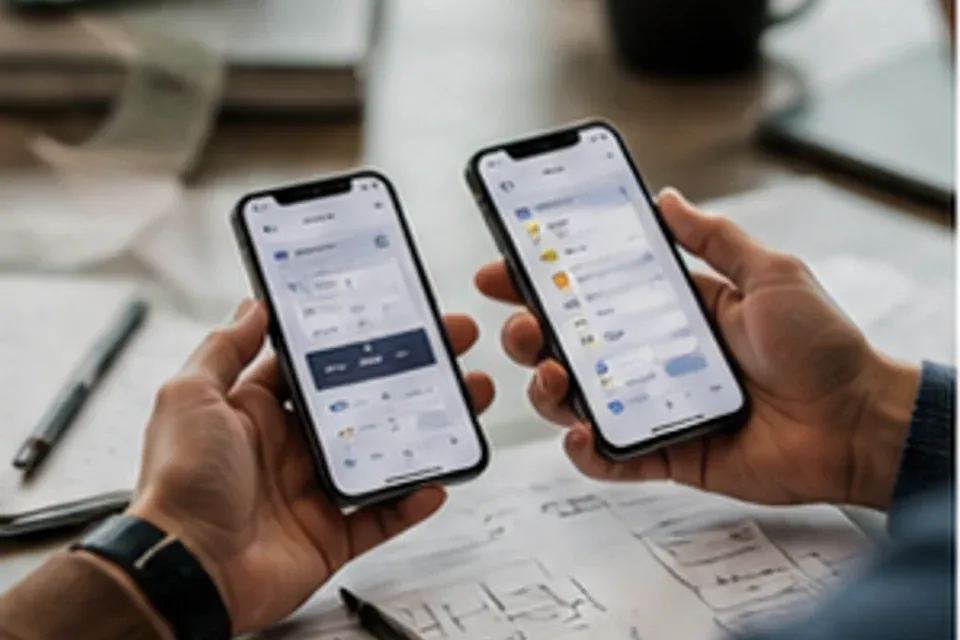
Follow linked device frames from entry through completion while decisions remain visible beside each screen.
Follow linked device frames from entry through completion while decisions remain visible beside each screen.
Start with a clear brief and the source material this Mobile Flows workflow needs.
Follow linked device frames from entry through completion while decisions remain visible beside each screen.
Keep decisions visible before moving Mobile Flows work into delivery.
Define taps, transitions, empty views, and recovery paths as one continuous mobile experience.
Follow linked device frames from entry through completion while decisions remain visible beside each screen.
Define taps, transitions, empty views, and recovery paths as one continuous mobile experience.
Compare compact and expanded displays without losing the intended hierarchy or touch targets.
Share annotated flows, component states, and navigation rules in a package developers can inspect.
Compare compact and expanded displays without losing the intended hierarchy or touch targets.
| Option | Best fit | Review point |
|---|---|---|
| Mobile flow planning | Follow linked device frames from entry through completion while decisions remain visible beside each screen. | Structure and clarity |
| Screen concept boards | Define taps, transitions, empty views, and recovery paths as one continuous mobile experience. | Output and control |
| Interaction state edits | Compare compact and expanded displays without losing the intended hierarchy or touch targets. | Structure and clarity |
| Device walkthrough refs | Share annotated flows, component states, and navigation rules in a package developers can inspect. | Output and control |
Share annotated flows, component states, and navigation rules in a package developers can inspect.
Turn the next feature brief into a connected journey ready for team review.